Free SVG Color Editor & Convert SVG to PNG
Update an SVG directly in your browser without creating an account. Import a file or paste SVG markup to edit its fills, strokes and gradient stops from one simple panel. Adjust colours with a picker or HEX codes, preview every change in real time, then save your finished graphic as SVG or export it as a PNG, JPG or WebP image.
How to Use the SVG Editor
Get started in two simple steps: open an SVG file, then customise its colours and shapes directly in your browser.
Open Your SVG
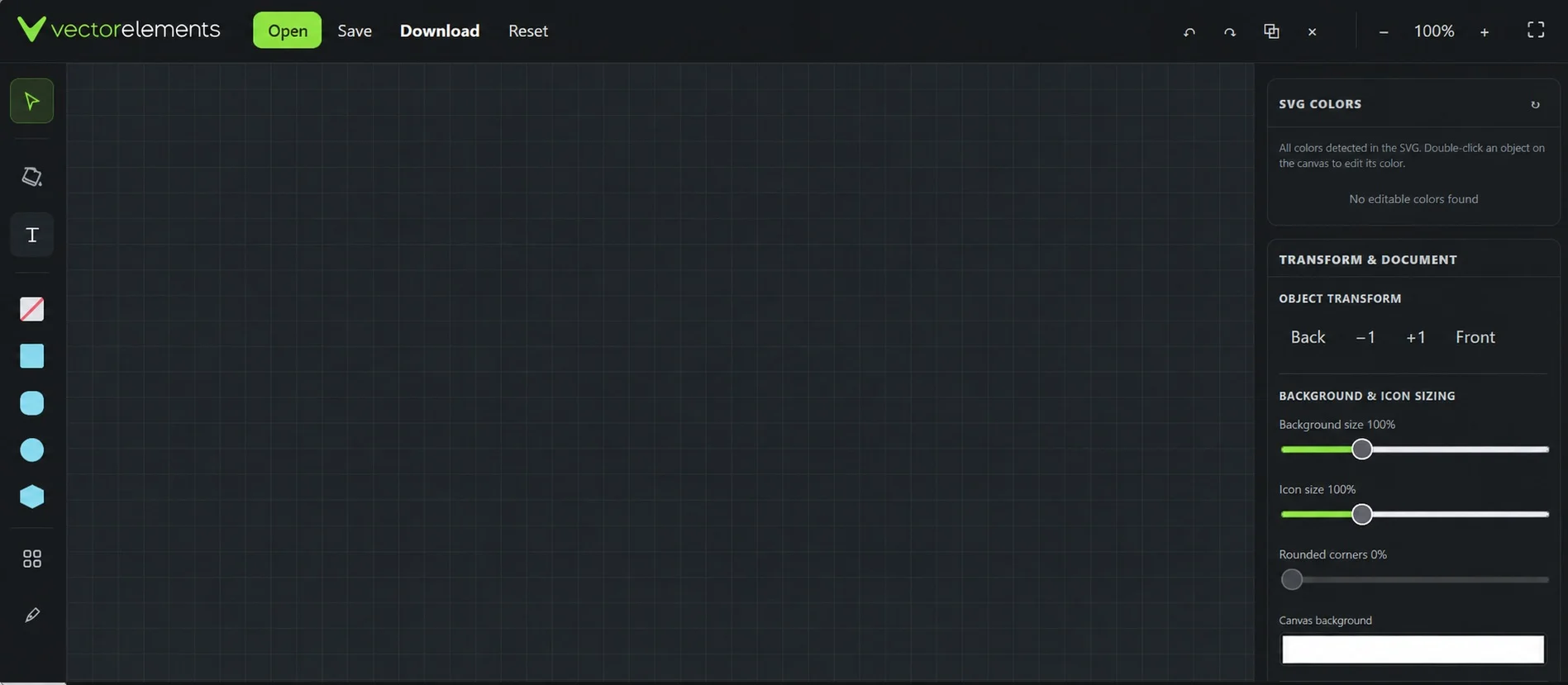
Click Open in the top toolbar to choose an SVG file from your computer. Once the file is loaded, it appears on the canvas and is ready for colour, shape and export adjustments.
Change Colors and Canvas Elements
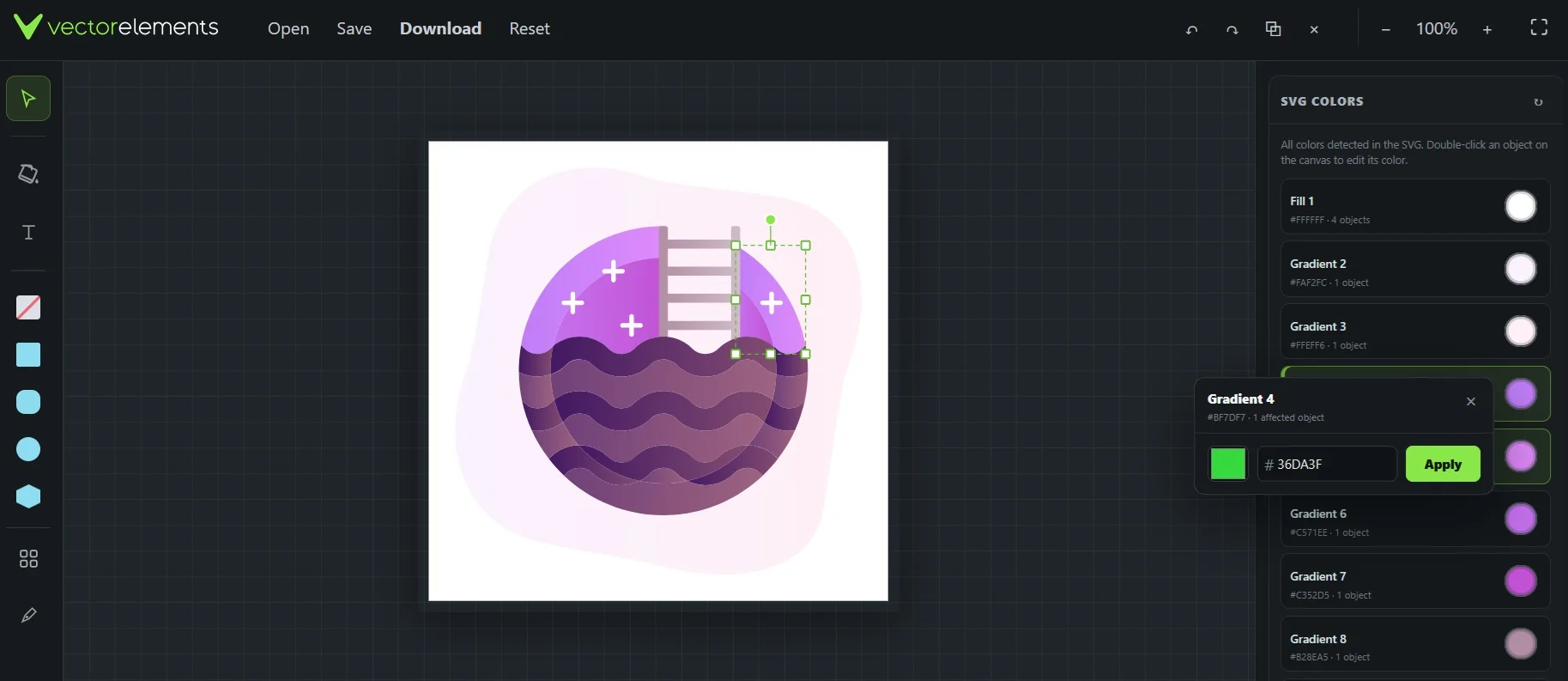
Select an object on the canvas to update its fill, stroke or gradient. Use the SVG Colors panel to choose a new colour or enter a HEX code, then adjust shapes with the tools on the left.
Export in Your Format
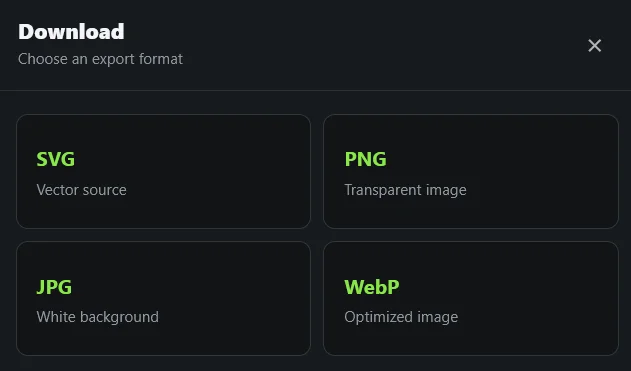
When your SVG is ready, download it in the format that works best for your project. Keep it editable as a vector or export a web-ready image in just a few clicks.
Why Use This Free SVG Editor?
Make quick SVG edits online without opening complex design software. Customize your vector, preview the result and download it in the format you need.
Free and No Sign-Up
Open the online SVG editor and start working immediately. No account is required to edit or export your design.
Full Color Control
Change SVG fills, strokes and gradient colours with a color picker or precise HEX values.
Flexible Export Options
Keep your artwork as an editable SVG or convert it to PNG, JPG or WebP for any digital project.
More Than Color Editing
Add a background, gradient, border or shadow, adjust icon size and create a cleaner final SVG design.
Edit SVG Files for Different Projects
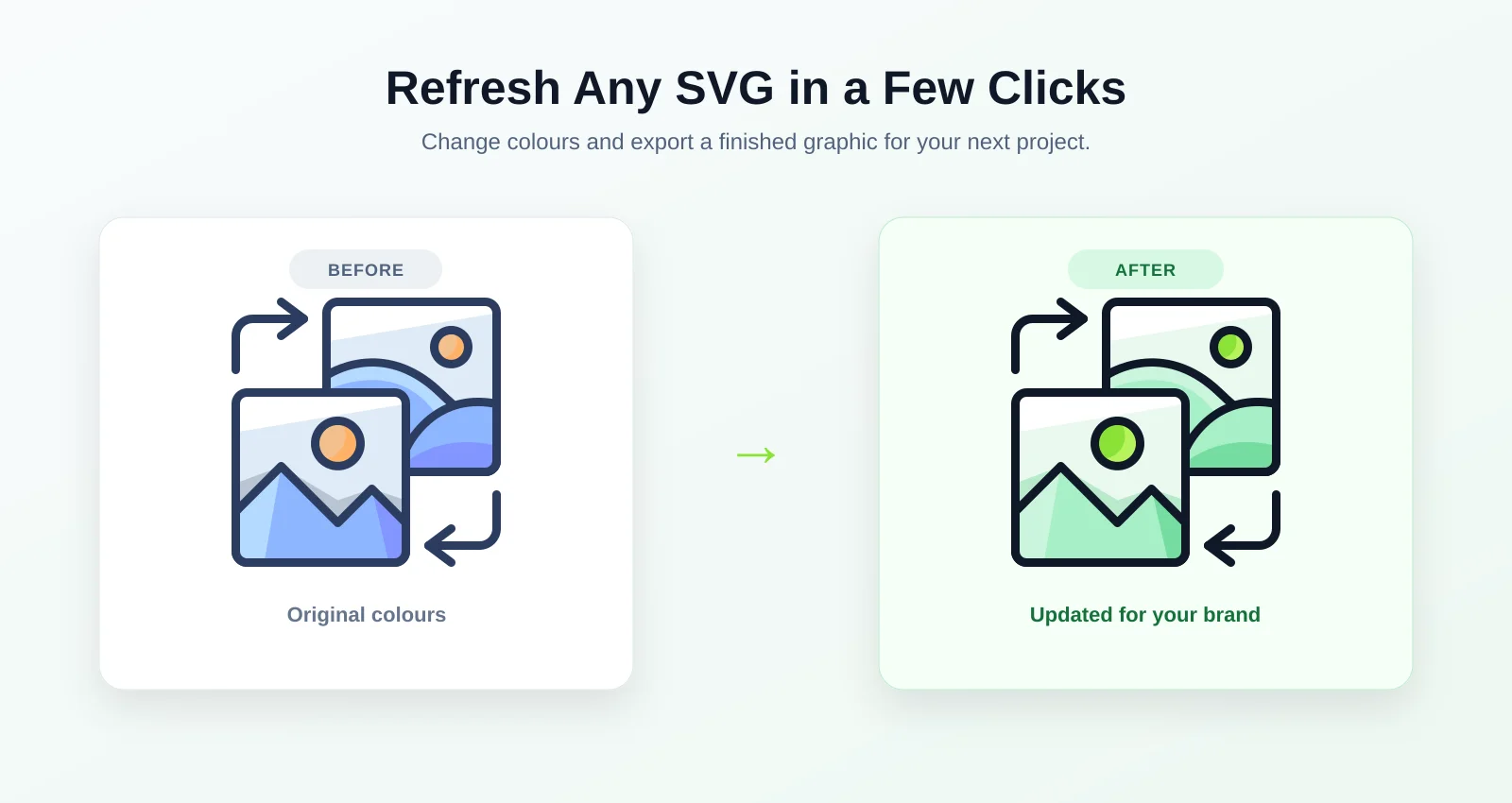
Quickly adapt SVG graphics to fit your project without opening desktop design software. Change colours, refine individual elements and export a finished file in the format you need.
SVG Editor FAQ
Answers to common questions about editing, recolouring and converting SVG files online.
How can I change the color of an SVG file?
Open or paste your SVG in the editor, select an element on the canvas and choose a new fill or stroke colour. You can use the color picker or enter an exact HEX value.
Can I convert SVG to PNG, JPG or WebP?
Yes. When your design is ready, use the Download menu to save it as an SVG file or export it as PNG, JPG or WebP.
Is this online SVG editor free to use?
Yes. You can open, edit colours and export SVG graphics for free without creating an account.
Can I edit SVG gradients and strokes?
The editor detects colors used in your SVG and lets you update fills, strokes and gradient colors. You can also adjust stroke width, opacity and other appearance settings for selected elements.
Do I need Adobe Illustrator or other design software?
No. The SVG Editor works directly in your browser, making it useful for quick edits when you do not need a full desktop design application.
Will my SVG remain editable after I download it?
Yes. If you download the result as SVG, it remains a scalable and editable vector file. PNG, JPG and WebP exports are raster image formats.
Explore VectorElements
Discover ready to use design resources for websites, branding, social media, presentations and creative projects.
SVG Icon Packs
Browse editable SVG icons for interfaces, websites, apps and digital products.
Browse IconsVector Illustrations
Find modern vector illustrations for business, marketing, lifestyle and more.
View IllustrationsFree Vector Graphics
Download free vectors, icons and design elements for your creative work.
Explore Free Vectors