Articles
What Is MCP? A Simple Guide to Model Context Protocol in 2026
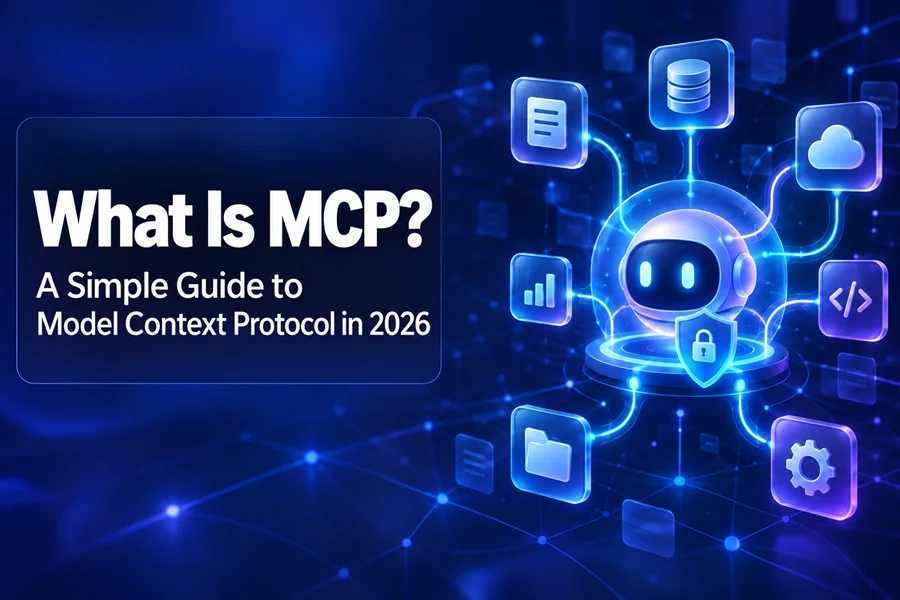
How AI assistants connect to real tools, files, services, and business workflows
AI assistants are good at explaining ideas, writing copy, and answering questions. But on their own, they cannot reliably see your private files, search your product catalog, update a database, or complete a task in another service. Model Context Protocol, usually called MCP, is a shared way to give an AI assistant carefully controlled access to those capabilities.
What Is MCP?
MCP is an open standard for connecting AI applications with external systems. Instead of building a separate custom integration for every assistant and every service, developers can expose useful capabilities through an MCP server. Compatible AI applications can then discover and use those capabilities in a predictable format.
Think of it as a universal connector between an AI assistant and the tools people already use. A single setup can let an assistant work with approved files, internal knowledge, design software, project-management systems, customer data, or a website's own functions.
How MCP Works
A typical MCP setup has three parts:
• The host: the AI application the person is using, such as ChatGPT, Claude, an IDE, or another agent-enabled product.
• The MCP server: a small service that describes which data and actions are available.
• The connected system: the website, database, file storage, app, or API where the real work happens.
The assistant does not receive unlimited access. The server presents specific capabilities, and the host can show the user what is being requested or ask for confirmation before an action with consequences is performed.
Tools, Resources, and Prompts
MCP uses a few simple building blocks. Tools are actions an assistant can request, such as searching a library, creating a support ticket, resizing an image, or updating a record. Resources are read-only information that can be supplied as context, such as a document, product details, or an API response. Prompts are reusable instruction templates that help people start common tasks consistently.
For example, an asset website could expose a search tool with clear inputs such as keyword, category, format, and color. The assistant would not need to guess which buttons to click or how a filter works. It would call the approved search capability and return the matching results.
Why MCP Matters Now
For years, software integrations have been built one connection at a time. A company that wanted an assistant to work with its documents, customer records, analytics, and product catalog often needed several custom integrations. Each one had its own authentication method, data format, maintenance work, and edge cases. That is expensive for developers and frustrating for users.
MCP gives those integrations a shared shape. An AI application can ask a server what it offers, inspect the input requirements for a tool, call that tool, and receive a structured result. The model is still responsible for deciding which capability is useful, but the underlying action is no longer based only on a vague interpretation of a web page or a natural-language request.
This matters as AI shifts from answering questions to helping people complete work. The useful question is no longer only, 'Can the model write a paragraph?' It is also, 'Can it find the right source files, check the relevant rules, prepare a draft, and show me what it did?' MCP is one of the standards being used to make that kind of workflow more practical.
What MCP Looks Like in Practice
MCP is already useful in many everyday workflows. A developer can ask an agent to inspect a repository, explain an error, and create a draft pull request. A support team can let an assistant search help-center articles before preparing a response. A designer can ask an agent to find a group of SVG icons, compare files, or prepare a handoff list.
For a site such as VectorElements, future MCP tools could make it easier for an agent to search assets, filter files by SVG, PNG, AI, or PSD, explain license options, open an SVG editor, or prepare a collection for a project. The site remains in control of what the agent is allowed to access and change.
A Simple Example
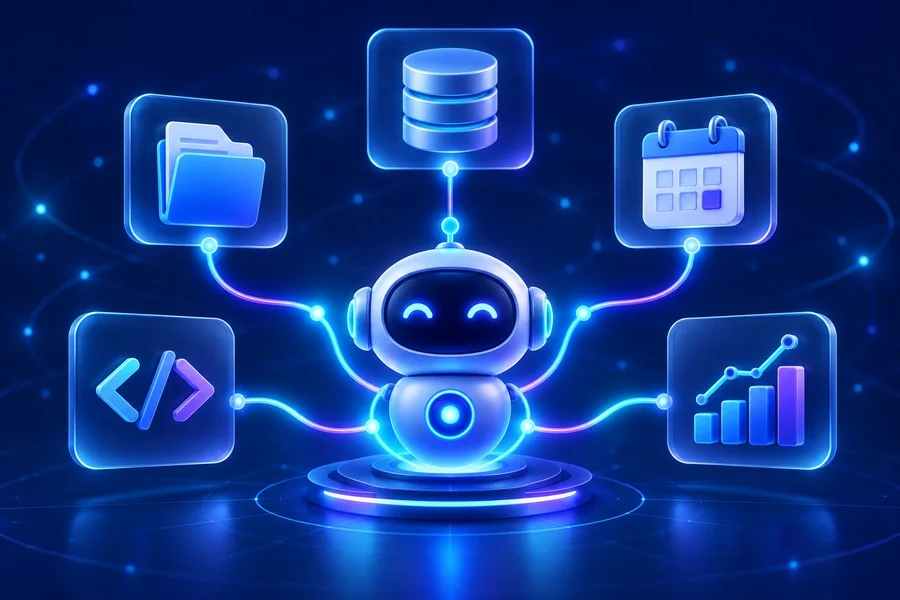
Imagine a designer tells an AI assistant: 'I need ten clean food icons for a mobile app, preferably editable SVG files with a warm orange palette.' Without structured access, the assistant may offer generic advice, make up file names, or try to operate the website by guessing at buttons and filters. With an approved MCP connection, it can call a search tool using the actual catalog fields, inspect available formats, and return a real shortlist.
The assistant might then call a second read-only tool to check license terms and a third tool to create a temporary collection for the user to review. The important part is that the assistant has not been given unrestricted database access. It was given three specific actions with clear inputs, output rules, and permissions.
The same pattern applies beyond creative assets. A project-management tool could expose get_project_status, list_open_tasks, and create_draft_update. An ecommerce store could offer search_products, check_stock, and build_cart_preview. Each tool should do one understandable job well.
MCP vs. a Normal API
An API is still the underlying way many services exchange data. MCP does not replace APIs. Instead, it gives AI applications a standard language for discovering and using selected API-backed actions. An API might have dozens of undocumented endpoints, while an MCP server can expose only a few safe, well-described operations that an assistant can understand.
This reduces guesswork. Rather than asking an agent to navigate an interface designed for humans, developers can define an action such as search_assets or get_download_options with clear inputs and expected results.
What MCP Is Not
MCP is not an AI model, a chatbot, or a replacement for good product design. It does not automatically grant an agent access to your business systems, and it does not guarantee that an AI assistant will make the best decision. It is a communication layer that makes approved capabilities easier to discover and use.
It is also not a reason to expose every internal function you have. A poor MCP server can create more risk than value if it offers broad, destructive, or confusing tools. For example, a tool named manage_customer_data is too vague. Separate, constrained actions such as get_customer_profile or create_support_note are easier to secure, test, and audit.
Why Security Matters
MCP is powerful because it can connect an assistant to real systems. That also means every connection needs limits. A well-designed MCP server should use the same authentication and permission rules as the underlying product. It should expose the smallest practical set of tools, validate every input, and require confirmation for actions such as payments, publishing, deleting data, or changing account settings.
Do not treat an MCP server as a shortcut around security. The best approach is to start with read-only capabilities, log important actions, and add write operations only when there is a clear user benefit and a reliable review step.
A Practical First Step
The best first MCP project is usually small. Pick one task that people perform often and that has a clear definition of success. It could be searching a catalog, retrieving the status of a project, finding an approved document, or preparing a draft response. Build that one capability, test it with real users, and review the results before expanding further.
For each proposed tool, write down four things before development begins: what the user is trying to achieve, which inputs are genuinely needed, what information the tool should return, and what could go wrong. This simple exercise often reveals where a workflow needs a confirmation screen, a tighter permission rule, or a better error message.
A good MCP tool is precise enough that a person could understand it from its name and description. If the action needs several paragraphs of warnings before it can be used safely, it may need to be split into smaller steps.
How to Prepare Your Business
You do not need to build an MCP server simply because the term is popular. Start by listing tasks that are repetitive, well-defined, and already supported by your product. Good first candidates are search, filtering, retrieving account-safe information, creating drafts, or checking the status of an order or project.
• Keep each tool narrow and describe it in plain language.
• Reuse your existing authentication, permissions, and validation.
• Return structured, useful results rather than long unfiltered data dumps.
• Clearly label actions that can change data or cost money.
• Keep a normal website interface for people who are not using AI agents.
MCP and WebMCP
MCP connects an AI application to services and data wherever the connection is available. WebMCP is a separate, newer browser-focused proposal that lets a website expose useful actions while a user has that page open. They are complementary: MCP is useful for service level access and background workflows, while WebMCP helps an agent work with the live page a person is viewing.

Final Thoughts
MCP does not make an AI assistant smarter by itself. It makes the assistant more useful by giving it an explicit, controlled path to the information and actions it needs. For businesses, the opportunity is not to automate everything at once. It is to choose a few high-value tasks, make them safe and predictable, and let people stay in control of the final outcome.