Articles
How to Choose the Right Vector File Format: AI, EPS, SVG or PNG
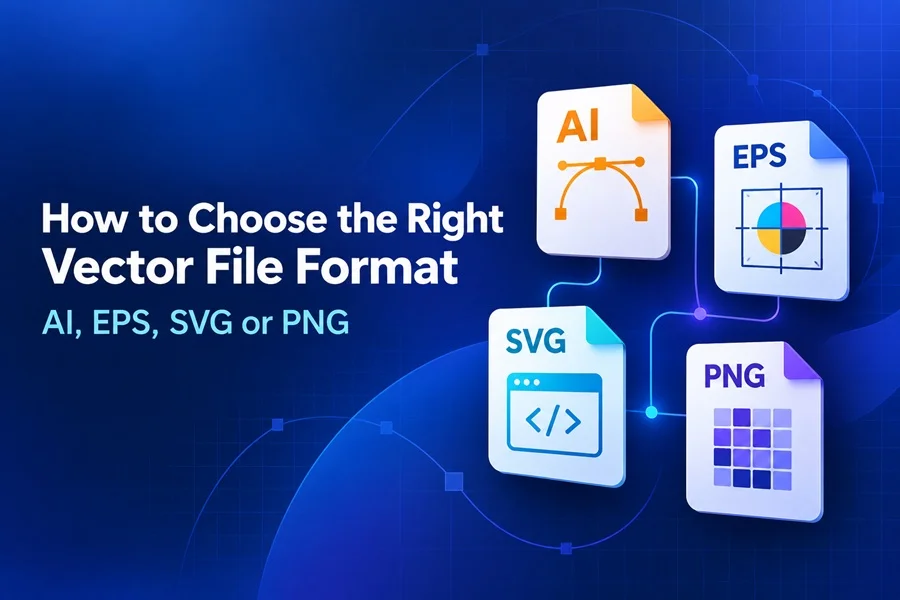
What is the difference between AI, EPS, SVG and PNG
Choosing a file format is not just a technical detail. It affects how easily a design can be edited, whether it stays sharp at a large size, how it behaves on a website and whether a printer can use it without extra work. A logo that looks perfect in a browser may be a poor choice for a production file, while a print-ready asset may be far too heavy for a landing page.
AI, EPS and SVG are vector formats, meaning they describe shapes with mathematical paths rather than a fixed grid of pixels. PNG is different: it is a raster image format. It can preserve transparency and look excellent at its exported size, but it will not gain detail when enlarged. Knowing that distinction makes the right choice much easier.
The quick answer
Use SVG for websites, interfaces and scalable graphics. SVG icons are ideal for navigation, buttons and other UI elements because they stay sharp at every size. Use PNG when you need a transparent, ready-to-place image that does not need further vector editing.
AI files are best for editable source artwork
An AI file is the native working format of Adobe Illustrator. It is usually the best place to keep the original version of a logo, illustration, icon pack or infographic because it can retain layers, artboards, editable type, clipping masks, effects and other project details. If you are creating a design that may need revisions next month or next year, save the AI file first.
For designers, the main advantage is control. You can change colours, reshape objects, update copy, move layers and export versions for many different uses. AI files are also valuable when a client needs a truly editable source file rather than a flattened image.
The limitation is compatibility. Adobe Illustrator is the most reliable way to edit an AI file, and not every browser, office app or web builder can preview it. That is why AI works best as the source format, not as the only delivery format.
EPS files are made for broad vector compatibility
EPS stands for Encapsulated PostScript. It has been used in professional print workflows for decades and is still commonly requested by printers, sign makers and stock marketplaces. An EPS file can usually be opened in Adobe Illustrator, CorelDRAW, Affinity Designer and many other graphics programs, which makes it useful when the recipient does not use the same software as the creator.
EPS is a sensible delivery format for logos, simple illustrations and print-oriented vector artwork. It is especially useful when you want to provide a format that stays crisp at any size and can travel between different design applications. For a business card, large banner or packaging graphic, that scalability matters.
However, EPS is less convenient for modern web use. It does not belong directly in an HTML page, and complex transparency, live effects or multiple artboards may not survive exactly as they do in the original AI project. Treat EPS as a robust exchange and print format, while keeping the AI file as the editable master.
SVG files are the strongest choice for websites and icons
SVG means Scalable Vector Graphics. It was created for the web and can be displayed directly by modern browsers. Because an SVG is made from vector paths, a small icon can remain crisp on a phone screen, a high-density display and a large monitor without needing several separate image sizes.
SVG is ideal for interface icons, simple logos, line illustrations, badges, diagrams and decorative website elements. In many cases, it also has a smaller file size than a high-resolution PNG. Its code-based structure allows developers to adjust colour with CSS, animate elements or add hover states when the artwork is prepared cleanly.
Not every SVG is equally lightweight. A highly detailed illustration with thousands of paths, embedded raster photos or unnecessary metadata can become large and slow. Before using SVG files on a site, simplify the artwork where possible, remove unused objects and test how it renders in the intended browser or builder.
PNG files are useful exports but they are not vector files
PNG is often included alongside vector assets because it is extremely practical. It supports transparent backgrounds, is easy to place in presentations and social posts, and can be opened almost everywhere. If someone needs to drag a finished illustration into a document or upload it to a social platform, PNG is often the fastest solution.
The important limitation is that PNG uses pixels. A 1200-pixel-wide PNG looks sharp at that size or smaller, but it becomes soft when enlarged significantly. You also cannot select and recolour individual vector paths in a normal PNG. For that reason, PNG should be treated as an output format, not a replacement for the AI, EPS or SVG source file.
AI EPS SVG and PNG comparison
| Format | Best for | Main advantage | Keep in mind |
|---|---|---|---|
| AI | Master source files and revisions | Keeps editable artwork, layers and artboards | Best edited in Adobe Illustrator |
| EPS | Printing and sharing vectors across software | Widely supported scalable vector format | Not suitable for direct web use |
| SVG | Websites, UI, icons and simple logos | Sharp at any size and works in browsers | Complex files may need optimization |
| PNG | Transparent exports, social posts and presentations | Easy to use and supported almost everywhere | Raster format; loses quality when enlarged |
How to choose the right format for a project
Start by asking where the graphic will be used and who needs to work with it. The same artwork can require more than one format. That is normal and usually better than forcing one file to solve every problem.
1) For a logo or illustration that will be revised later, keep AI as the master source file.
2) For a print supplier or a client who asks for a flexible vector file, provide EPS and confirm their production requirements.
3) For a website logo, a navigation icon or a scalable interface element, choose SVG.
4) For a presentation, social media post, online marketplace preview or fast transparent export, choose PNG at the exact size you need.
If you sell or distribute design assets, offering a small format bundle is often the most useful approach. An AI or EPS file gives designers control, SVG serves web-focused buyers and PNG gives non-designers an easy ready-to-use option. The buyer can choose the format that matches the project instead of converting it imperfectly later.
Explore graphics in SVG, PNG and AI formats for your next design project.
A practical workflow for designers
Create the artwork in a vector editor and keep the original AI file clean and organised. Name layers clearly, convert only the text that must remain visually fixed, and retain editable type where the licence and delivery requirements allow it. Then export the other formats from that master version rather than rebuilding the artwork separately in each format.
For EPS, check that linked images, fonts and transparency are handled correctly before sending the file out. For SVG, preview it in a browser and inspect the final dimensions. For PNG, export at the exact pixel size required by the platform and check the background is truly transparent if that is expected. A few minutes of verification avoids the common problem of delivering an otherwise good design in an unusable format.
Final takeaway
There is no single best format for every design task. AI is the strongest choice for editable source artwork. EPS remains useful for print workflows and compatibility. SVG is the natural format for scalable web graphics and icons. PNG is the convenient transparent export for finished, fixed-size images. Once you choose the format around the real destination of the artwork, files become easier to edit, share, print and publish.